Choose your collection
Sync your catalogue and pick a collection with its sort order set to Manual. StockSort preserves the order you start with.
Keep your best available products in view. StockSort moves sold-out items down and brings them back to their saved positions when stock returns.
Preparing for the Shopify App Store. Public installation is not available yet.
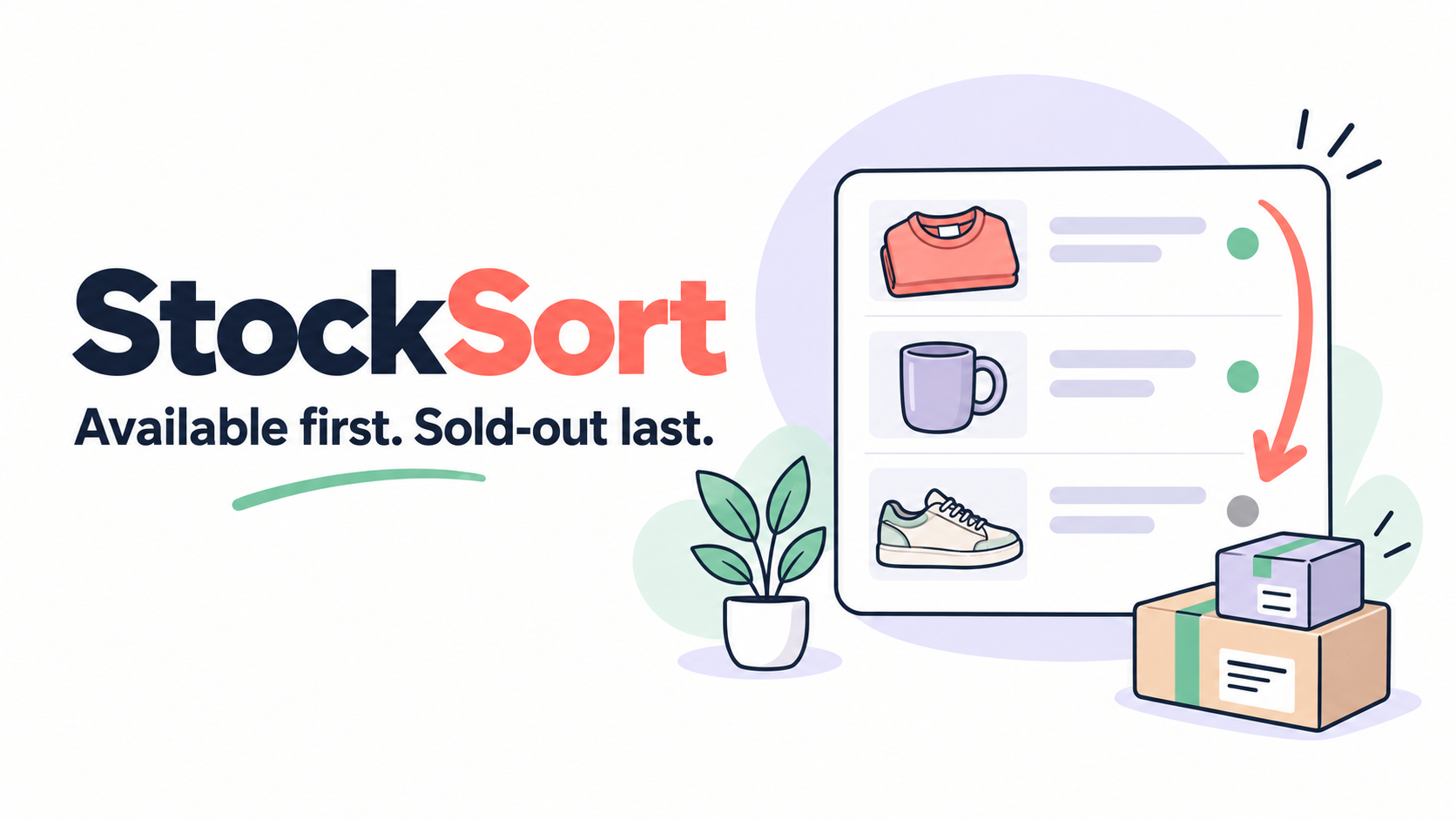 Your collection. Your saved order.
Sync your catalogue and pick a collection with its sort order set to Manual. StockSort preserves the order you start with.
Review which products will move before you enable automation. Available products retain their relative saved order.
Inventory changes trigger sorting. Restocked products return to their saved positions, with each resulting order checked in Shopify.
Made an edit outside StockSort? We flag the conflict for your review. Pause automation or preview a safe undo or restoration when you need to take control.
Read the setup and recovery guide ↗StockSort changes collection order, not product visibility. Both manual and automated collections are supported when their sort mode is Manual.
Sorting applies to the default collection order. A shopper’s selected sort can override it. Availability uses online-channel inventory and may vary by market.
No complicated feature tiers. Get the core sorting and recovery tools in one plan.
$5.99 USD / month
7-day free trial at launch
Billing is not enabled for public merchants yet. Shopify’s plan approval screen will show the final price and trial terms.
No. StockSort works with collection ordering through Shopify. It does not install storefront theme code.
Yes. You see the proposed product movements before applying them. StockSort checks the collection again before making the change.
If you want your original order back, restore your saved order before uninstalling. Shopify may revoke app access immediately after uninstall.
Email hello@madovertech.io with your shop domain, collection name and run number. Never send passwords or access tokens.